
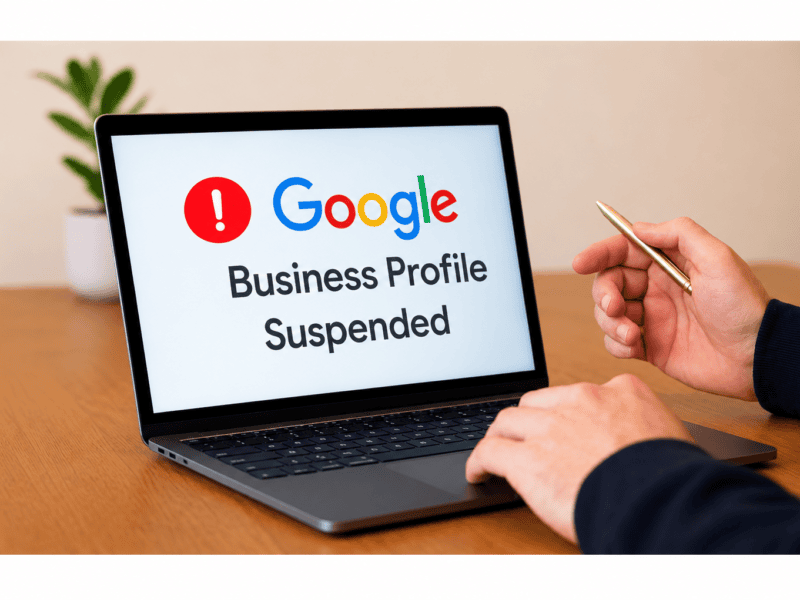
Imagine searching for your business on Google and suddenly discovering that your Google Business Profile is no longer visible. Your business information disappears from Google Search and Maps, customers struggle to find your location, and enquiries may start decreasing.
This situation can be frustrating, especially for businesses that depend on local search visibility to attract customers.
A Google Business Profile suspended notification can affect your online presence, customer trust, and local SEO performance. However, a suspension does not always mean your business has been permanently removed from Google. In many cases, you can request reinstatement by identifying the issue, correcting policy violations, and submitting appropriate supporting documents.
In this guide, we will explain why Google Business Profiles get suspended, how to recover a suspended profile, and what you can do to prevent future suspensions.
What Is a Google Business Profile Suspension?
A Google Business Profile suspension occurs when Google restricts a business listing because it detects a possible violation of its Business Profile guidelines.
When this happens, your business profile may stop appearing on Google Search and Google Maps. Depending on the type of restriction, you may also lose access to certain profile management features.
There are two common situations:
- Profile Suspension: Google restricts the visibility or management of your business listing because of a suspected policy violation.
- Account Restriction: Google restricts the account managing Business Profiles. This can affect multiple business listings associated with that account.
A suspension can happen to both newly created and established business profiles.
Common Reasons Why Google Business Profiles Get Suspended
Understanding the reasons behind a Google Business Profile suspension is the first step towards resolving it.
Here are some common issues that may trigger a suspension.
1. Incorrect Business Information
Google expects businesses to provide accurate and genuine information.
Adding incorrect business names, addresses, phone numbers, or website URLs can create inconsistencies and affect your profile’s credibility.
For example, using a different business name on Google than the one displayed on your website, business signage, or official documents may raise concerns.
Solution: Make sure your business name, address, phone number, and other details accurately represent your real-world business.
2. Keyword Stuffing in Business Name
Adding unnecessary keywords to your Google Business Profile name is a common policy violation.
For example:
Incorrect: ABC Digital Marketing Agency | Best SEO Company in Pune | Website Development
Correct: ABC Digital Marketing Agency
Your business name should reflect the name your business consistently uses in the real world, not a list of keywords you want to rank for.
Solution: Remove unnecessary keywords, promotional phrases, and location-based terms from your business name.
3. Using a Virtual Office or Ineligible Address
Google requires businesses to use eligible and accurate locations.
Using a virtual office, temporary address, or an address where your business does not genuinely operate can lead to suspension.
Businesses that serve customers at their locations or travel to customers should follow the appropriate storefront or service-area business guidelines.
Solution: Use a genuine, eligible business location. If your business serves customers at their locations, configure your profile as a service-area business and hide your residential address when applicable.
4. Creating Multiple Business Profiles
Creating multiple listings for the same business at the same location can confuse customers and violate Google’s guidelines.
Duplicate profiles may occur when businesses create new listings instead of managing their existing profiles.
Solution: Check for duplicate listings and manage your business through the appropriate existing profile. Avoid creating additional profiles for the same business and location.
5. Frequent Changes to Business Information
Making several significant changes within a short period may trigger additional verification or review.
Examples include:
- Changing your business name repeatedly.
- Updating your business address frequently.
- Changing primary business categories unnecessarily.
- Modifying phone numbers and other important details without valid reasons.
Solution: Keep your business information accurate and make changes only when necessary. Ensure that important changes can be supported with genuine documentation.
6. Violation of Google Business Profile Guidelines
Google has specific guidelines regarding business eligibility, profile content, business representation, and user-generated content.
Using misleading information, inappropriate content, or other prohibited practices can lead to restrictions.
Solution: Review Google’s official Business Profile guidelines regularly and ensure that your listing follows all applicable policies.
How to Recover a Google Business Profile Suspended Listing
If your profile has been suspended, do not panic. Follow these steps carefully before submitting a reinstatement request.
Step 1: Identify the Reason for Suspension
Start by signing in to the Google account associated with your Business Profile.
Check your profile status and any notification or email received from Google.
Visit the Google Business Profile Appeals Tool to review the restriction and identify the policy associated with the suspension.
Understanding the reason will help you correct the issue before submitting an appeal.
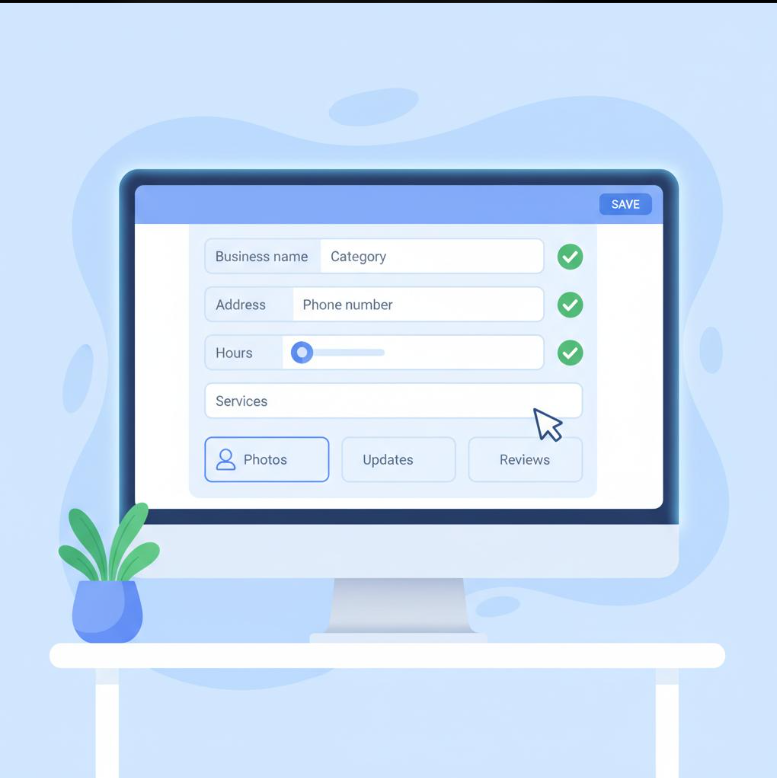
Step 2: Review Your Business Information
Carefully review all the details mentioned in your profile.
Check the following:
- Business name
- Business address
- Phone number
- Website URL
- Business category
- Opening hours
- Service areas
- Business eligibility
Make sure all the information is genuine, accurate, and consistent with your official business details.
Step 3: Correct Policy Violations
Before requesting reinstatement, fix any issues that may have caused the suspension.
For example, remove unnecessary keywords from your business name, correct an inaccurate address, resolve duplicate listings, and update any misleading information.
Do not submit an appeal without first reviewing your profile against Google’s guidelines.
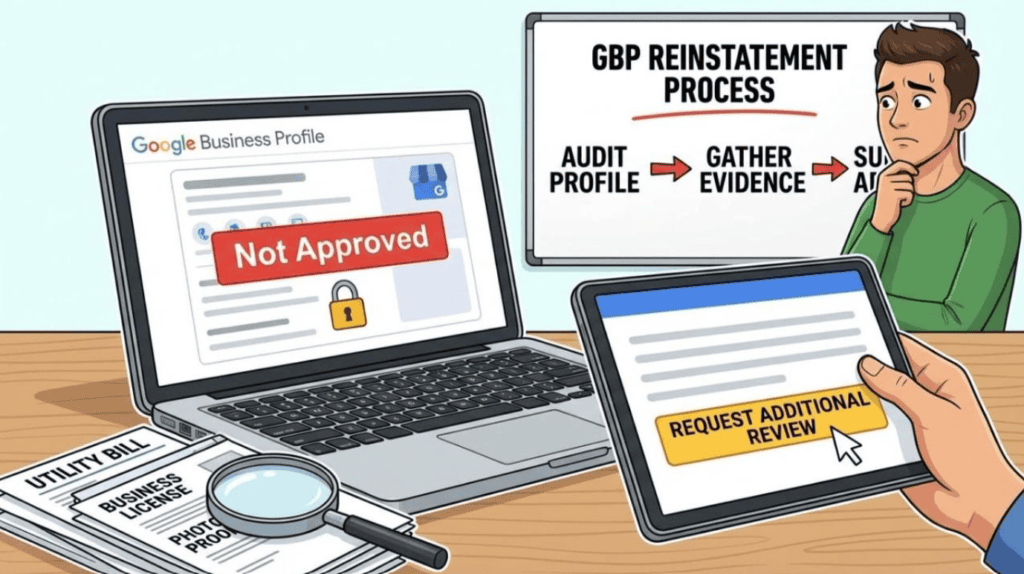
Step 4: Collect Supporting Documents
Supporting documents can help Google verify that your business is legitimate and eligible.
Depending on your business type, prepare documents such as:
- Business registration certificates.
- GST registration documents, where applicable.
- Business licences, where applicable.
- Utility bills showing your business address.
- Electricity, internet, or telephone bills.
- Photographs of your business premises and permanent signage.
Make sure the business name and address on your supporting documents match the information provided in your Google Business Profile.
Step 5: Submit a Reinstatement Request
Once you have corrected the issues and prepared your documents, submit an appeal.
Follow these steps:
- Open the Google Business Profile Appeals Tool.
- Sign in using the Google account associated with your suspended profile.
- Select the business profile you want to reinstate.
- Review the reason for the restriction and the related policy.
- Select the option to submit an appeal.
- Provide the required information and supporting evidence if requested.
- Submit your appeal and wait for Google’s decision.
Important: If Google provides an option to submit supporting evidence through a linked form after submitting your appeal, complete it within 60 minutes of opening the form. Do not create another profile for the same business while your appeal is under review.
Step 6: Track Your Appeal Status
After submitting your reinstatement request, monitor your email for updates from Google.
You can also check your appeal status through the Appeals Tool.
Avoid submitting multiple appeals for the same issue before receiving a decision.
If your appeal is rejected, review the decision carefully. Where eligible, you may request an additional review with new supporting evidence.
How to Prevent Google Business Profile Suspension in the Future
Recovering a suspended profile takes time and effort. Following the correct practices can help reduce the risk of future issues.
Here are some important preventive measures:
1. Maintain Accurate Business Information
Keep your business name, address, contact details, and website consistent across your online presence.
2. Follow Google’s Business Profile Guidelines
Review Google’s policies before making significant changes to your listing.
3. Avoid Keyword Stuffing
Use your actual business name instead of adding promotional keywords or unnecessary location terms.
4. Maintain Only Eligible Business Listings
Avoid creating duplicate profiles or listings for businesses that do not meet Google’s eligibility requirements.
5. Use Genuine Business Information
Provide accurate opening hours, service areas, photographs, and other business details.
6. Manage Profile Access Carefully
Give Business Profile access only to trusted people who understand Google’s policies. Regularly review owners and managers associated with your listing.
7. Monitor Your Business Profile Regularly
Check your profile for unexpected changes, verification requests, rejected edits, and policy notifications.
How Does a Google Business Profile Suspension Affect Local SEO?
Your Google Business Profile plays an important role in your local SEO strategy.
When your profile gets suspended, customers may find it difficult to discover your business through Google Search and Google Maps.
Here are some potential effects:
- Reduced Local Visibility: Your business may become unavailable in local search results and Google Maps.
- Fewer Customer Enquiries: Customers may struggle to find your contact details, directions, and business information.
- Reduced Website Traffic: You may lose visitors who previously discovered your website through your business listing.
- Loss of Customer Trust: An unavailable business listing can create confusion among potential customers.
- Impact on Local Marketing: Your local search marketing efforts may become less effective while the profile remains suspended.
This is why maintaining an accurate and policy-compliant Google Business Profile is an important part of long-term local SEO management.
Frequently Asked Questions (FAQs)
1. Why did Google suspend my Business Profile?
Google may suspend a profile because of inaccurate business information, keyword stuffing, ineligible addresses, duplicate listings, or violations of its Business Profile guidelines. Account restrictions can also affect associated profiles.
2. Can I recover a suspended Google Business Profile?
Yes. If your business is eligible and the policy issues are corrected, you can submit a reinstatement appeal through Google’s official Appeals Tool. However, reinstatement is not guaranteed.
3. How long does Google take to reinstate a suspended profile?
The review time can vary depending on the case. Google does not guarantee a fixed reinstatement timeline for every suspension. Monitor your appeal status and email for updates.
4. Should I create a new Google Business Profile after suspension?
No. Google advises businesses not to create another profile for the same business while an appeal is under review. Doing so can create duplicate listings and additional complications.
5. Does a Google Business Profile suspension affect local SEO?
Yes. A suspended profile can reduce your visibility on Google Search and Maps, potentially affecting local discovery, customer enquiries, and traffic generated through your business listing.
6. What documents are required to recover a suspended Google Business Profile?
Depending on your business, Google may accept official business registration, business licences, tax certificates, and utility bills as supporting evidence. Ensure that the submitted documents match your profile details.
Final Thoughts
A Google Business Profile suspension can affect your local visibility, customer enquiries, and overall online presence. However, identifying the reason for suspension, correcting policy violations, and submitting genuine supporting documents can help you move towards reinstatement.
The key is to follow Google’s guidelines, maintain accurate business information, and avoid unnecessary changes to your profile.
At The Vanilla Theory, we understand how important local search visibility is for business growth. Our digital marketing and SEO strategies focus on improving your online presence, strengthening local visibility, and helping your business connect with the right audience.
Want to improve your local search visibility? Get in touch with The Vanilla Theory and build a stronger digital presence.


